Just kicking off 2022 with a couple Radical PowerShell Scripts for Sitecore!
I was working on some automation tasks and found where these scripts would be useful:
Get-SitecoreSite — for auto-detecting where the Sitecore site is located (e.g. wwwroot/Sitecore). If you don’t provide the site name, it will check all folders under wwwroot (or a custom path you provide) for /bin/sitecore.kernel.dll. You can easily get the one Sitecore site you have deployed, or a full list of sites if you have more than one.
Get-SitecoreVersion — given a path (or otherwise calls Get-SitecoreSite), uses /sitecore/shell/sitecore.version.xml to show the actual Sitecore version installed.
Easy to install:
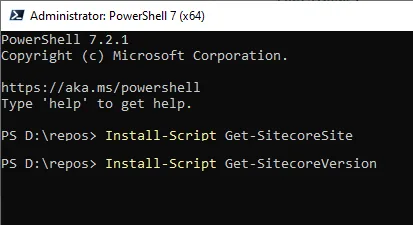
PS> Install-Script Get-SitecoreSite
PS> Install-Script Get-SitecoreVersion
Available on PowerShell Gallery:
All MIT open source on GitHub: